Create animated stories that move hearts
Create animated stories that move hearts
Deliver high-quality content with powerful animation software trusted by the industry’s top film and TV studios.
Deliver high-quality content with powerful animation software trusted by the industry’s top film and TV studios.
© Disney/Pixar




Every stage of your animation pipeline covered
Visualize your story, set camera angles and timing, and allocate resources effectively.
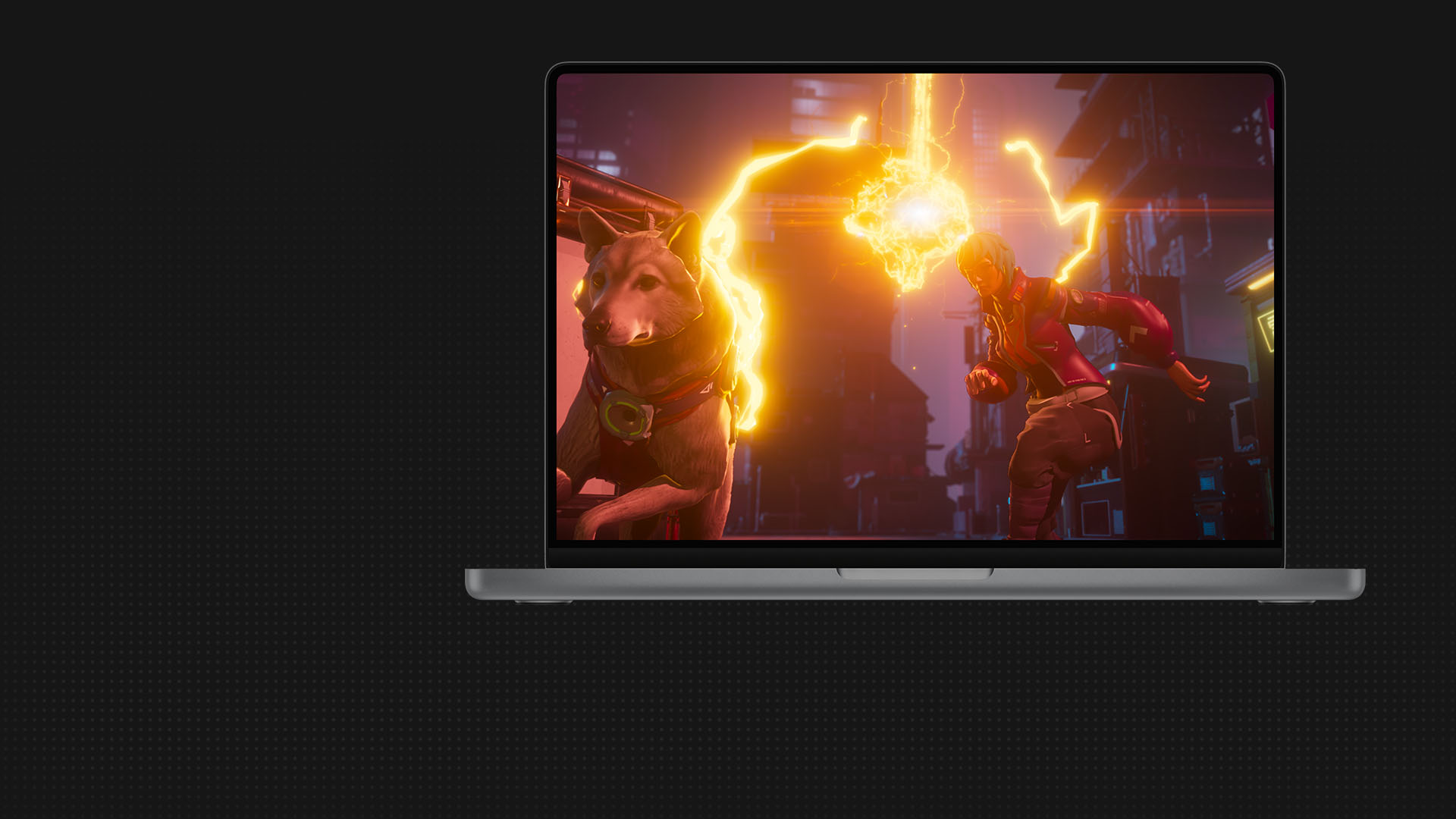
Shape worlds, characters, and props with modeling tools, then bring them to life with motion capture, animation, and crowd tools.
Deliver rendered animations with exceptional detail and style, always on time and within budget.
Media & Entertainment Collection
Create better, smarter, faster with the M&E Collection
Get all the creative tools you need to build a powerful and scalable animation pipeline for less.
Collection includes
ANIMATION CAPABILITIES
All the tools you need to make it real

Pre-visualization
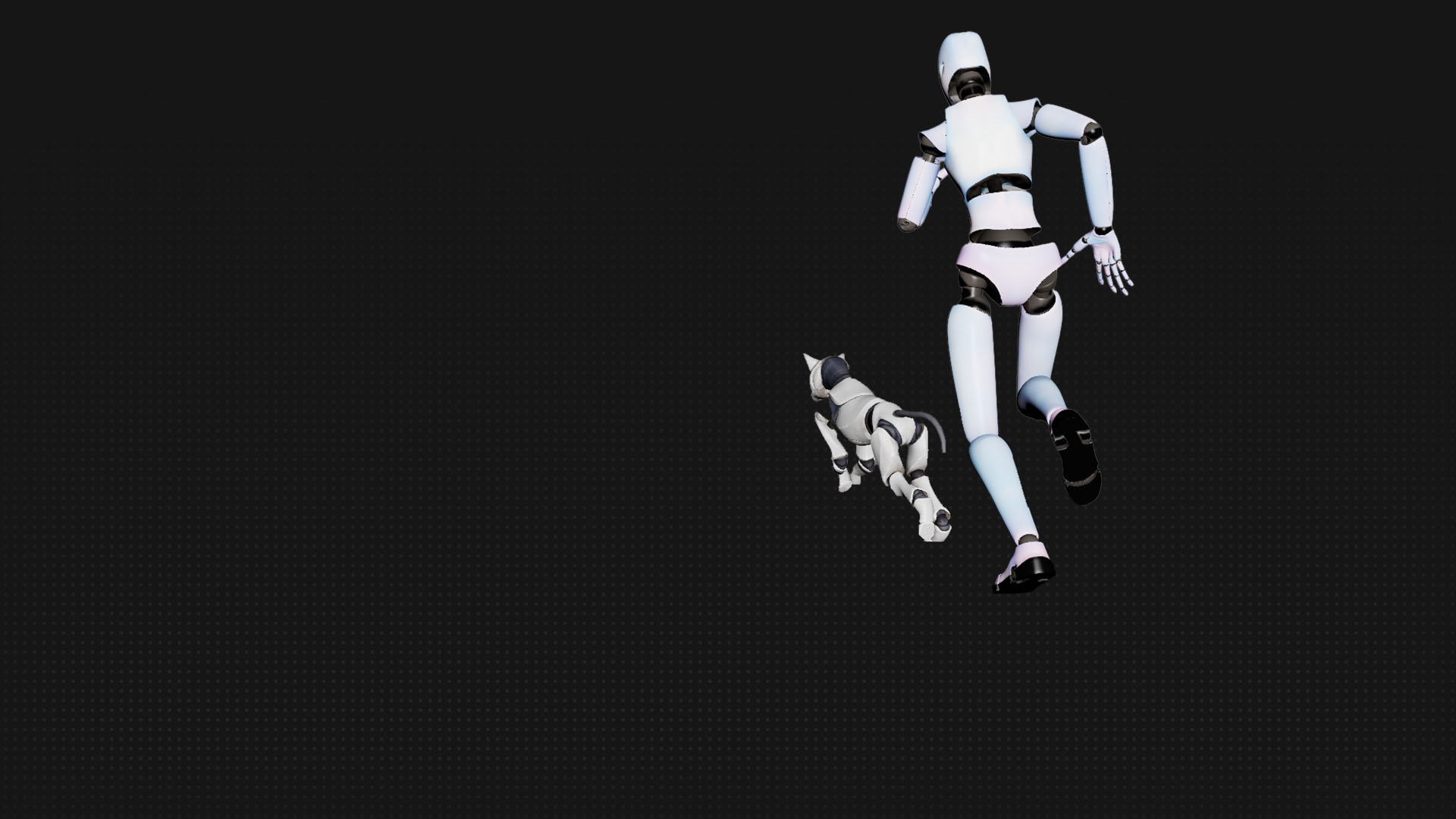
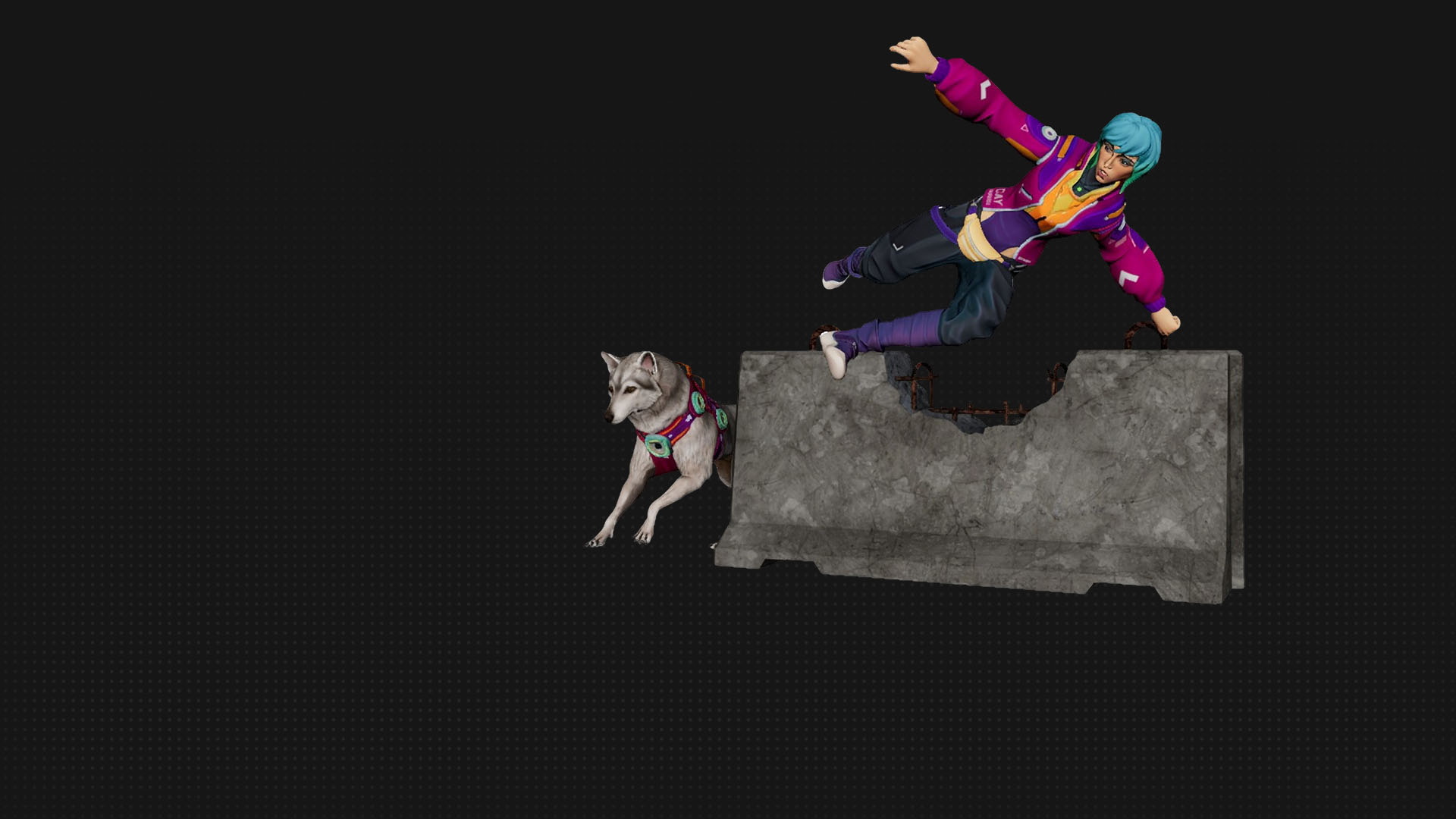
Turn ideas into animations with AI mocap in Flow Studio, then export to Maya, Blender, or Unreal.


Customer success
AI in Maya helped animate 3x faster
Griffin Animation Studios
MotionMaker in Maya allowed me to focus on performance, polish, and story refinement.
—Eddie Chew, Founder and Animator, Griffin Animation Studios
Customer success
AI in Maya helped animate 3x faster
Griffin Animation Studios
MotionMaker in Maya allowed me to focus on performance, polish, and story refinement.
—Eddie Chew, Founder and Animator, Griffin Animation Studios
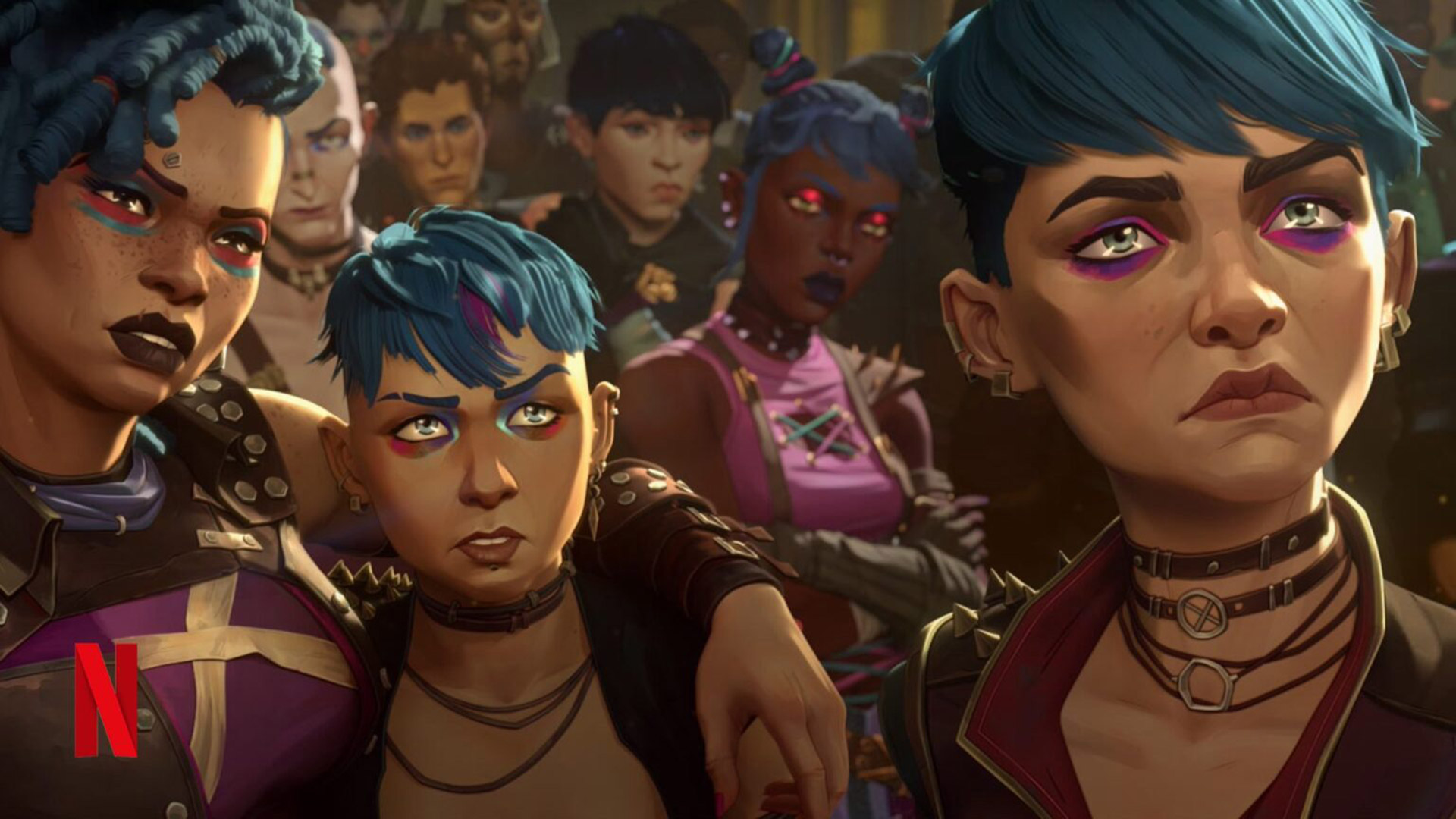
What the industry is making with Autodesk
The future of the industry
Trends, training, and tools to help you lead



Explore our animation community
Connect with other animation and product experts to share knowledge and be inspired.


Related industries


Related industries
Questions? We have answers.
3D animation uses computer graphics to make objects look like they’re moving in 3-dimensional space. Artists use 3D modeling software to build the objects. Next comes rigging, a virtual representation of an object or character’s skeleton. Animators pose the rig at strategic points so it appears to move. Newer methods of animation involve motion capture, which records an actor’s live movements for digital animation.
The most essential skills for making 3D animation are the comprehensive skills needed for animation software such as Maya or 3ds Max. These skills include creating 3D models, textures, lighting, other visual effects, and the animation itself through keyframing and/or motion capture.
Additional artistic and soft skills will also help. Understanding the principles of animation in general—like timing, spacing, anticipation, and squash-and-stretch—will apply to 3D animation specifically, as will a knack for drawing, visual composition, color, and design. Attention to detail and soft skills like problem-solving and good team communication are also important.
Creating a 3D animation takes a considerable amount of time, as well as skills and organization. The specific time it takes for 3D animation depends on the animation’s complexity and required detail, the number and experience level of contributors, the length of the animation, and the specific hardware and software technologies. A very simple 3D animation may take only a few hours, or it could take several days to create a 30-second clip. Popular feature-length 3D-animated movies almost universally require a large team and multiple years to produce.