
Media & Entertainment Collection
Media & Entertainment Collection
Autodesk Media & Entertainment Collection
Bring breathtaking characters and scenes to life for film, TV, and games
Image courtesy of Rodeo FX
M&E Collection
All your favorite animation tools in one package
M&E Collection
All your favorite animation tools in one package
M&E Collection
All your favorite animation tools in one package
What's new
Meet Flow Studio and Golaem
What's new
Meet Flow Studio and Golaem
Only in the M&E Collection
Scalable tools for magical animations
Only in the M&E Collection
Scalable tools for magical animations
Only in the M&E Collection
Scalable tools for magical animations
M&E Collection
All your favorite animation tools in one package
M&E Collection
All your favorite animation tools in one package
M&E Collection
All your favorite animation tools in one package
What's new
Meet Flow Studio and Golaem
What's new
Meet Flow Studio and Golaem
Only in the M&E Collection
Scalable tools for magical animations
Only in the M&E Collection
Scalable tools for magical animations
Only in the M&E Collection
Scalable tools for magical animations
Upload your live-action footage into Flow Studio.
Integrate CG characters, including your own custom assets, directly onto performers.
Generate production-ready data automatically, like camera tracking, motion capture, animation, character passes, and more.
Bring CG scenes seamlessly into your 3D tool of choice like Maya and 3ds Max for final refinement.


Save on the products you need with the Media & Entertainment Collection
Media & Entertainment Collection
Keep up with the growing demand for high-quality content by creating life-like CG characters and props to combine with live-action footage.
{{PRICE}}/{{TERM}}
Compare to purchased separately
Media & Entertainment Collection
Breathe life into original 3D models with new AI-powered markerless motion capture and animation tools for realistic performances.
{{PRICE}}/{{TERM}}
Compare to purchased separately
Media & Entertainment Collection
Simulate combustion, snow, or particles with Bifrost on 15 machines, and crowds with Golaem.
{{PRICE}}/{{TERM}}
Compare to purchased separately
Media & Entertainment Collection
Render professional-grade effects with 5 Arnold licenses in the M&E Collection and increase efficiency with automated cloud-based rendering.
{{PRICE}}/{{TERM}}
Compare to purchased separately
Boxel Studio
134 creature shots delivered in 6 weeks for Season 4 finale using Autodesk Flow Studio.
A three-week turnaround using traditional workflows could now be accomplished in a couple of days.
—Andres Reyes, Founder and Head of Studio at Boxel Studio
Boxel Studio
134 creature shots delivered in 6 weeks for Season 4 finale using Autodesk Flow Studio.
A three-week turnaround using traditional workflows could now be accomplished in a couple of days.
—Andres Reyes, Founder and Head of Studio at Boxel Studio
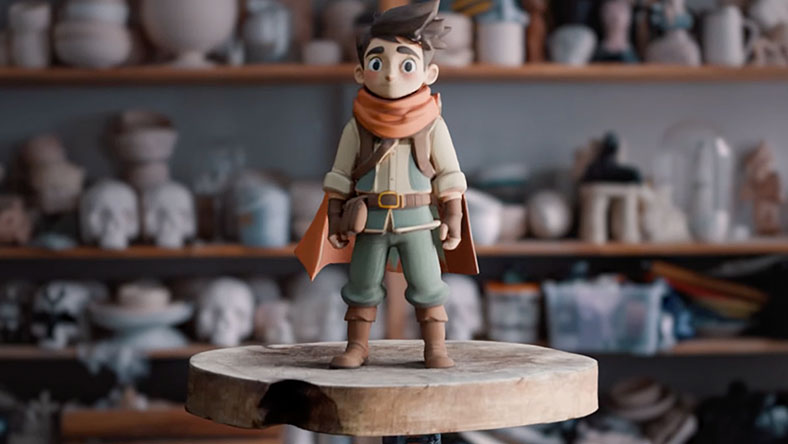
What’s new
Generate fully textured, editable 3D assets with Wonder 3D in Flow Studio
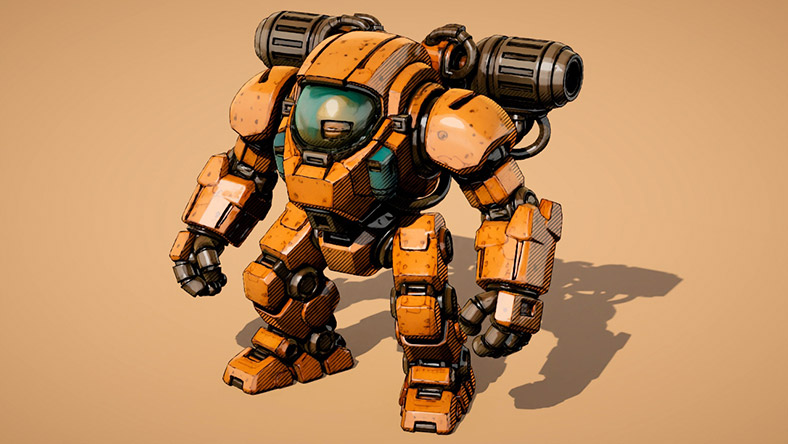
What’s new
Learn about the latest releases across Maya, 3ds Max, Flow Studio, and Arnold
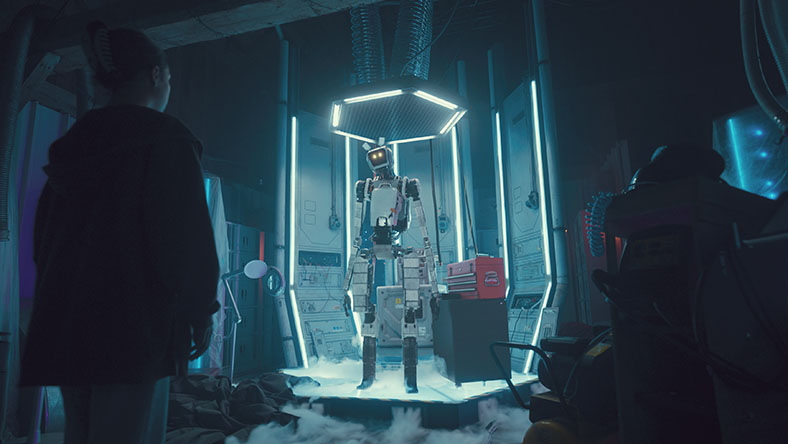
News
Visit our M&E Blog for the latest news and stories in Film, TV, and Games

YouTube
Subscribe for exclusive animation, VFX, and games content
Questions? We have answers
The Autodesk Media and Entertainment Collection includes Maya, the Golaem plug-in for Maya, Autodesk Flow Studio, 3ds Max, Arnold (with the option of getting a 5-pack), MotionBuilder, Mudbox, Character Generator access, ReCap Pro, and Autodesk Rendering.
You can also run Bifrost for Maya on up to 15 machines with each collection license, enabling you to process Bifrost-created simulations on a compute farm. Bifrost for Maya is a visual programming environment for creating complex effects.
Golaem is a crowd simulation plug-in exclusively available in the Autodesk Media & Entertainment Collection and requires separate download for use with Maya and other 3D content creation tools. For more information, please read the FAQ here.
When you purchase the Media & Entertainment Collection, you’ll gain access to the Pro Tier of Autodesk Flow Studio. Check out the FAQ for step-by-step instructions on how to activate your access.
If you purchase the Media & Entertainment Collection online (via this page), you get a single-user Arnold license, which you can use on up to 5 separate machines. If you purchase the collection subscription from a reseller, you have the choice between receiving an Arnold single-user license or a 5-pack of Arnold multi-user licenses. The option to get multi-user licenses in place of a single-user license is only available if you buy from a reseller and doesn’t apply if you purchase online from this page. Learn more in this FAQ.
For core products, common file formats can be imported and exported. With certain products, you can collaborate simultaneously on a model or project throughout a workflow. For examples, see Game design and development or Film and TV production. Arnold is the integrated renderer in Maya and 3ds Max, enabling you to see high-quality previews and iterate changes quickly.
The price of an annual Media & Entertainment Collection subscription is {{price.MECOLL.1year}} and the price of a monthly Media & Entertainment Collection subscription is {{price.MECOLL.month}}. The price of a 3-year Media & Entertainment Collection subscription is {{price.MECOLL.3years}}.
Use the products you need and will get the most value from. If you use just 2 or 3 of the products in the collection, the subscription cost is likely to be lower than subscribing to products individually. You’ll increase the capabilities of your business, simplify software administration, and reduce the time spent from project start to completion.
If you purchased your subscription online from our website, you can upgrade to an industry collection when your current product subscription expires. If you purchased your subscription from a sales representative or authorized partner, contact them for assistance. Learn more about upgrading your Autodesk product or plans.
Most desktop products in the Media and Entertainment Collection can run on Microsoft® Windows®, Apple® macOS®, and Linux®. See Media and Entertainment Collection system requirements for specific product details.
See Autodesk industry collection licensing behavior for full details on computer access for single-user and multi-user licenses.
Download a free 30-day trial of any software—you can try multiple products simultaneously—included in the Media and Entertainment Collection. Use at least a 10 Mbps Internet connection and make sure you have enough space on your hard drive as trials are typically large file sizes. Download trials one at a time, then restart your computer to get started. For help with trialing products in the collection, follow our step-by-step download and install instructions.
To troubleshoot download issues, review our support article, or search the community forums for answers.
Products you can trust
From payment flexibility to always-on support, expect excellence.

